

Booting Blackbone
The complete photo editor for iPhone: background removal, retouching, filters, effects, text, shapes and transparent PNG export. Everything processed locally — no cloud, no account.
No hidden subscriptions behind every feature, no watermark, no cloud uploads. Magic Foto processes everything on your phone and exports exactly what you see on screen — down to PNG with real transparency.

15 editing tools working on the same render pipeline — what you see in the preview is exactly what you get on export.
Separates the subject from the background right on your phone, no cloud. Fix the cutout by tapping regions or with Add/Erase brushes, while edges are refined automatically (no halo, no jagged lines).
Exposure, brightness, contrast, saturation, vibrance, warmth, tint, hue, highlights, shadows, gamma, sharpness, noise reduction, vignette and grain — all non-destructive, with undo/redo.
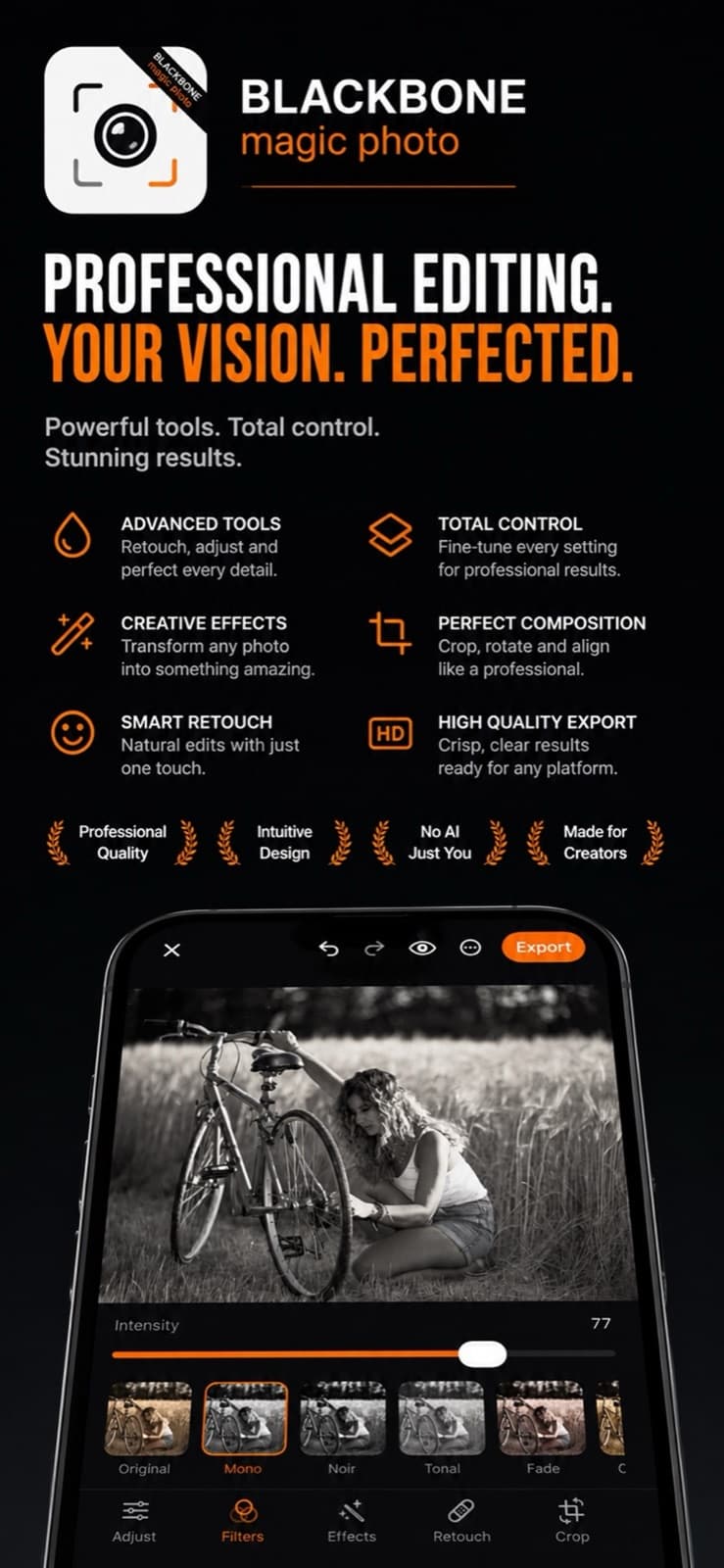
Filters with adjustable intensity (Mono, Noir, Cinema, Golden, Vintage…) and artistic effects: blur, pixelate, crystal, comic, sketch, poster, thermal, twirl, kaleidoscope and more.
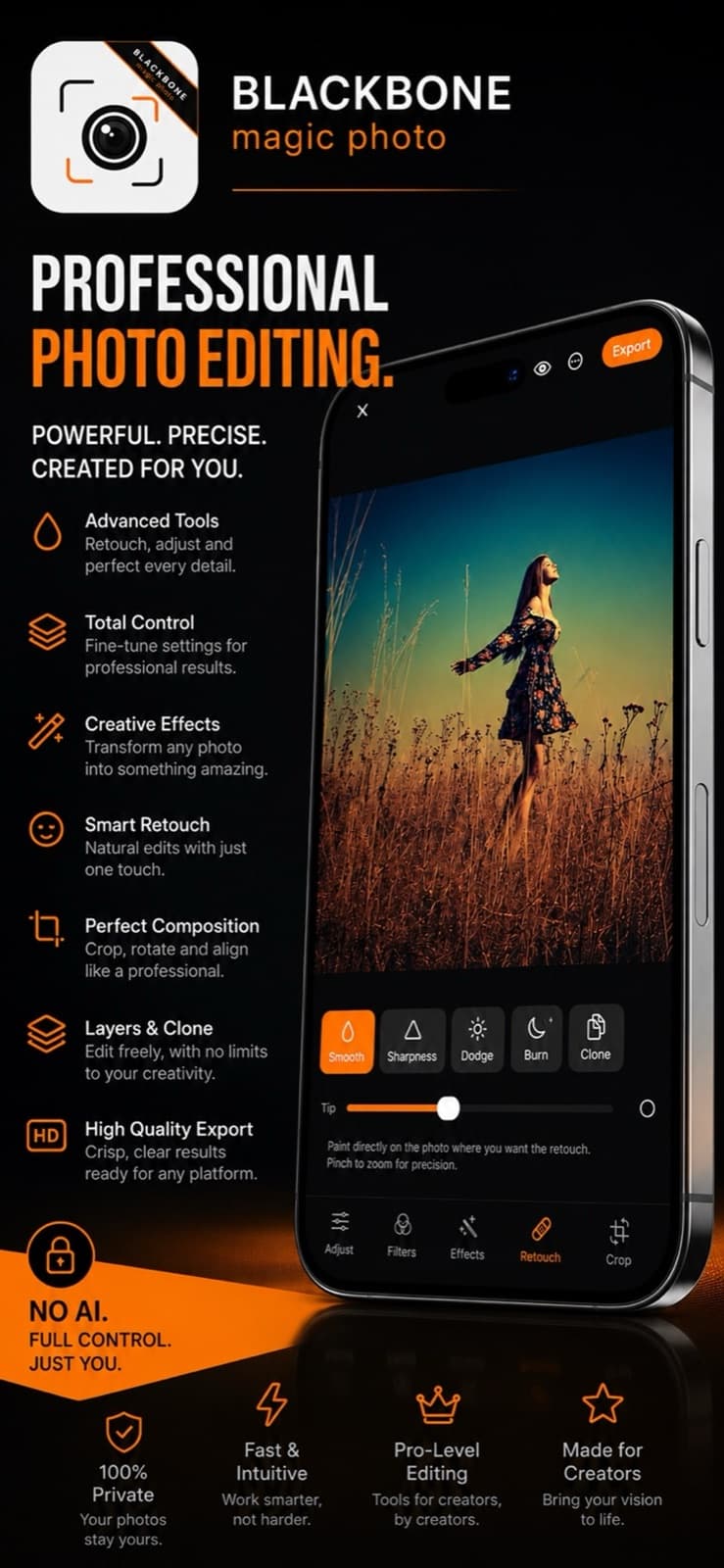
Smooth, sharpen, dodge, burn and clone with a tap-picked source — manually remove unwanted objects and fix imperfections, with adjustable tip and precision zoom.
Free crop or 9 aspect ratios, rotate, flip, fine straightening with a grid. Plus Canvas Fit: place your photo on a 1:1, 4:5, 9:16… canvas with a color, blur or transparent background.
12 fonts with shadow and chip background, emoji and symbol stickers, geometric shapes (star, heart, arrow…) and speech bubbles — all moved, rotated and scaled with gestures.
5 frame styles (Simple, Double, Rounded, Polaroid) with adjustable width and color, plus overlay textures: Bokeh, Light Leak, Stars, Scanlines, Grunge.
Natively generated halo or sunbeams that you position by dragging directly on the photo, with adjustable intensity.
Add a second photo as a layer (collage) and draw freely with pen, marker or neon. The eraser removes exactly the stroke you got wrong.
The home screen borrows the logo’s language; the editor switches to a dark background so the photo dominates, with orange accents on active tools.


No hybrid frameworks, no servers: just Apple’s APIs, pushed to their full potential.
Magic Foto is built on the same principle as every Blackbone product: your data never leaves the device.
No. All processing — including background removal — runs locally on your phone’s chip. The app has no backend, requires no account and sends nothing off the device.
Export as PNG: the cut-out areas stay transparent. For JPEG, the app warns you that transparency will be lost.
You have three fixes: tap the wrongly cut object to remove or re-add it, or paint over the wrong areas with the Add/Erase brushes — with up to 8x zoom for precise edges.
iPhone running iOS 17 or later. The app is available on the App Store.
Download it for free and start editing — everything runs on your phone.
Download on the App Store