

Booting Blackbone
A native system monitor for MacBook that tells you exactly what your computer is doing — privacy, performance, hardware, all with a premium liquid glass aesthetic and zero telemetry.
Built for gamers, content creators, devs, privacy-paranoid users and people whose MacBook isn't young anymore. Universal arm64 + x86_64, signed and notarized by Apple — no Gatekeeper warning.
SHA-1 cert: 21D02F2FDC0EDC737532EF6F35EEB1B935705FBB · Team 35PCQ43D37
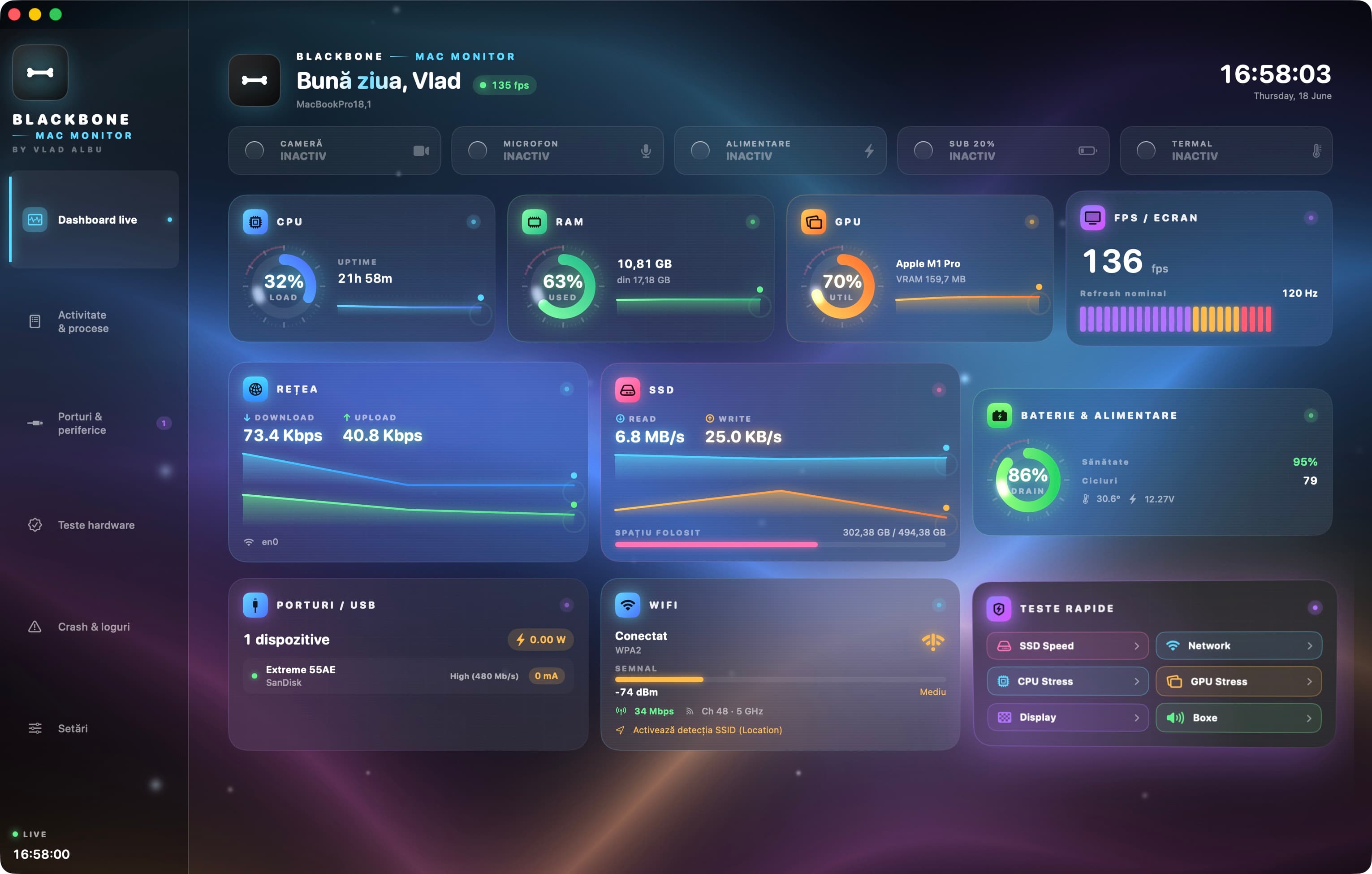
Built natively in SwiftUI with Metal shaders in the background. No Electron, no webview, no overhead. Battery usage is lower than Safari in the background.
CPU, RAM, GPU, FPS, temperature — all in real-time, with a Metal shader background and 60 fps animated gauges.
REC indicator lights for camera and microphone — sub-50 ms response via CMIO and CoreAudio listeners. Nothing leaves for the cloud.
SSD speed test (Blackmagic style), internet speedtest via Cloudflare, CPU/GPU stress, screen pixel test, stereo tone generator.
Live bytes/sec with sparklines, SSID + RSSI + channel + WPA security. Plus a live ping to your router for gamers.
Health %, cycles, temperature, voltage. When plugged in: see live watts pulled through the cable + adapter rated.
Alert when CPU stays over 85% for more than 60 seconds, battery under 15%, temperature over 50°C, or an app turns on your camera.
Press Cmd+D for a horizontal panel at the top of the screen with all essential data — live blur material, customizable pills, 5 color themes.
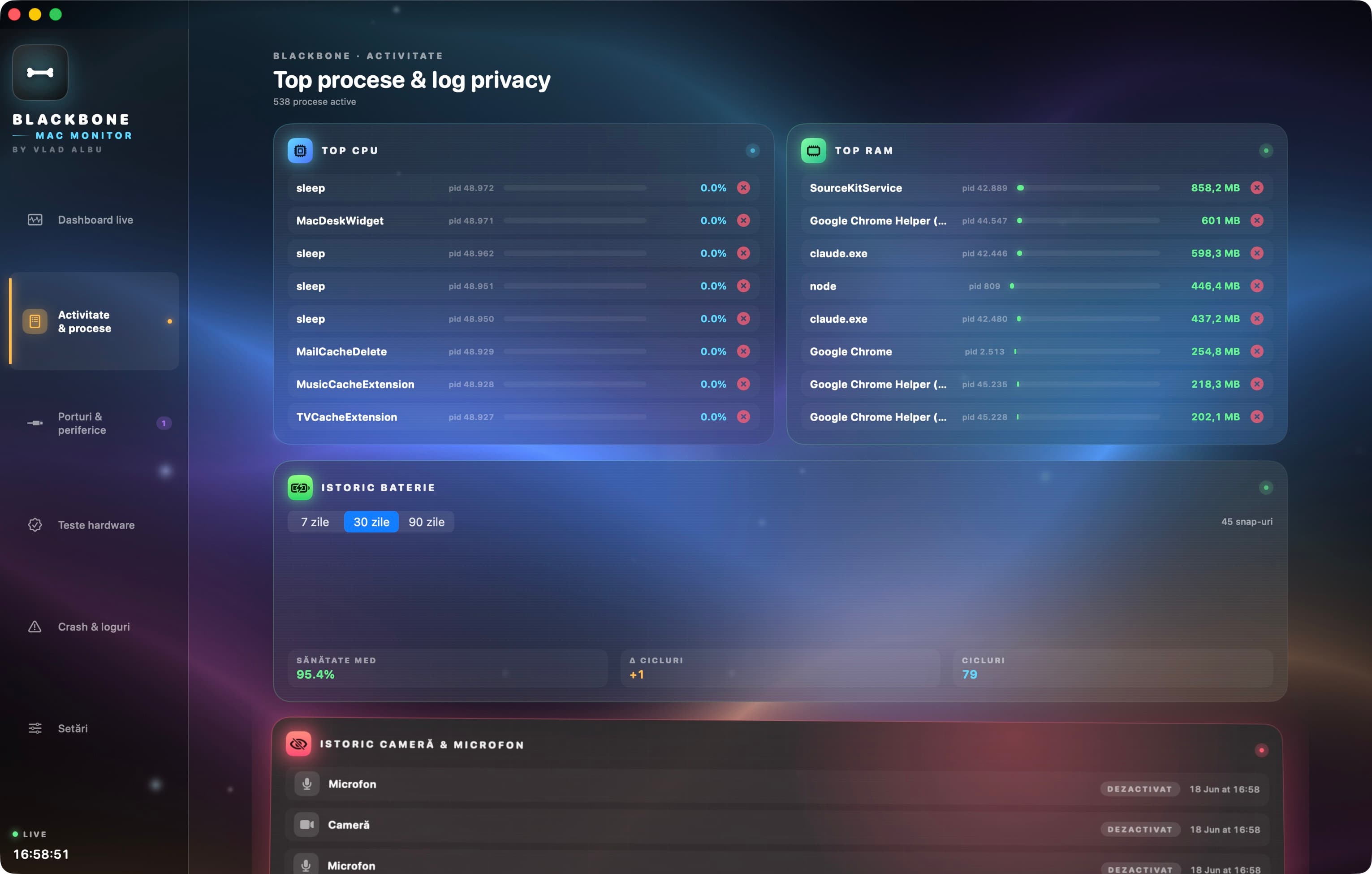
90-day battery history with health + cycles graph, privacy log with the last 50 camera/microphone events, crash dump viewer.
Everything below is the current binary on macOS — animated gauges, Metal background, post-test reports, IORegistry reads for USB/display, Mach VM stats for memory.
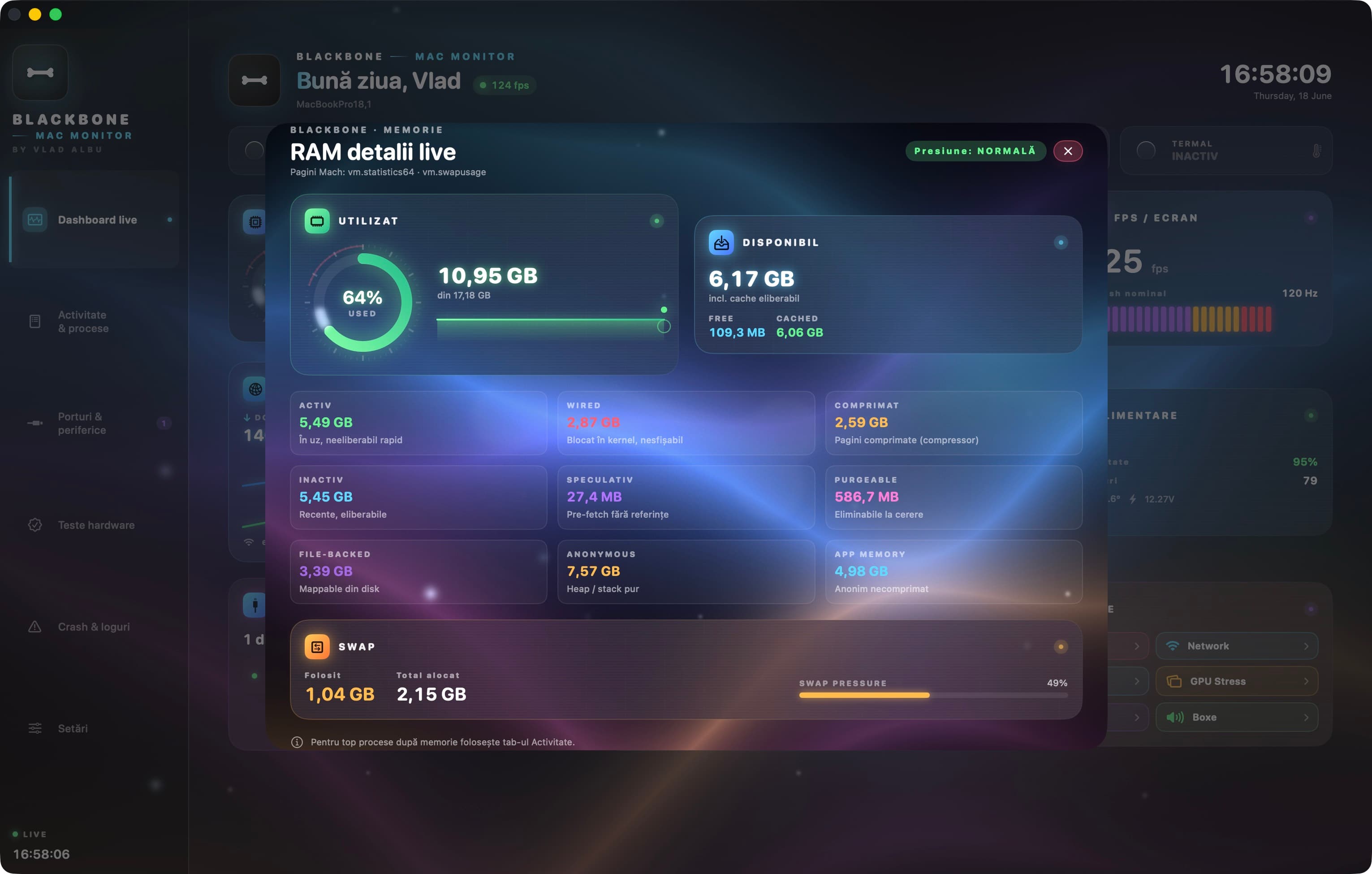
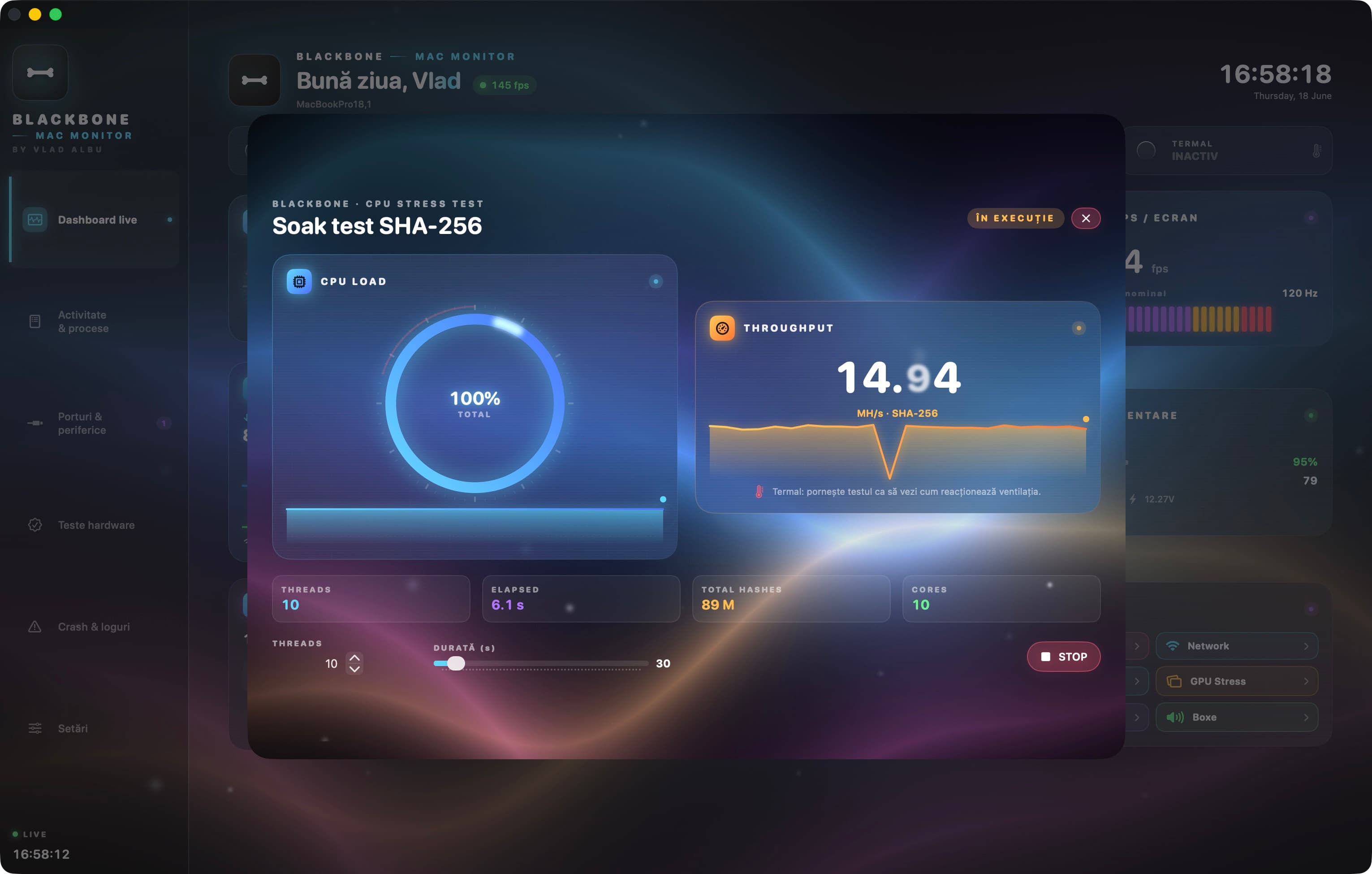
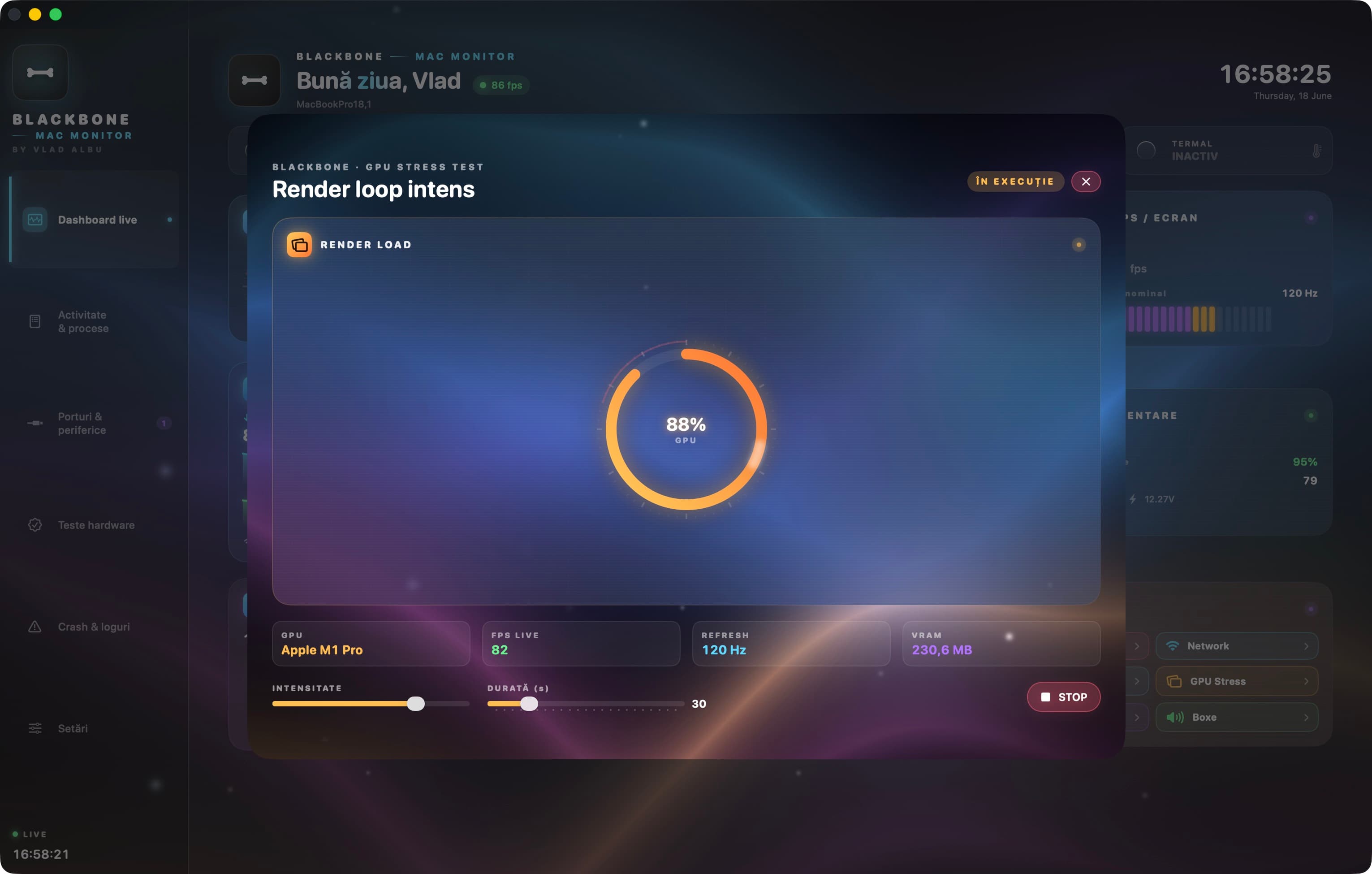
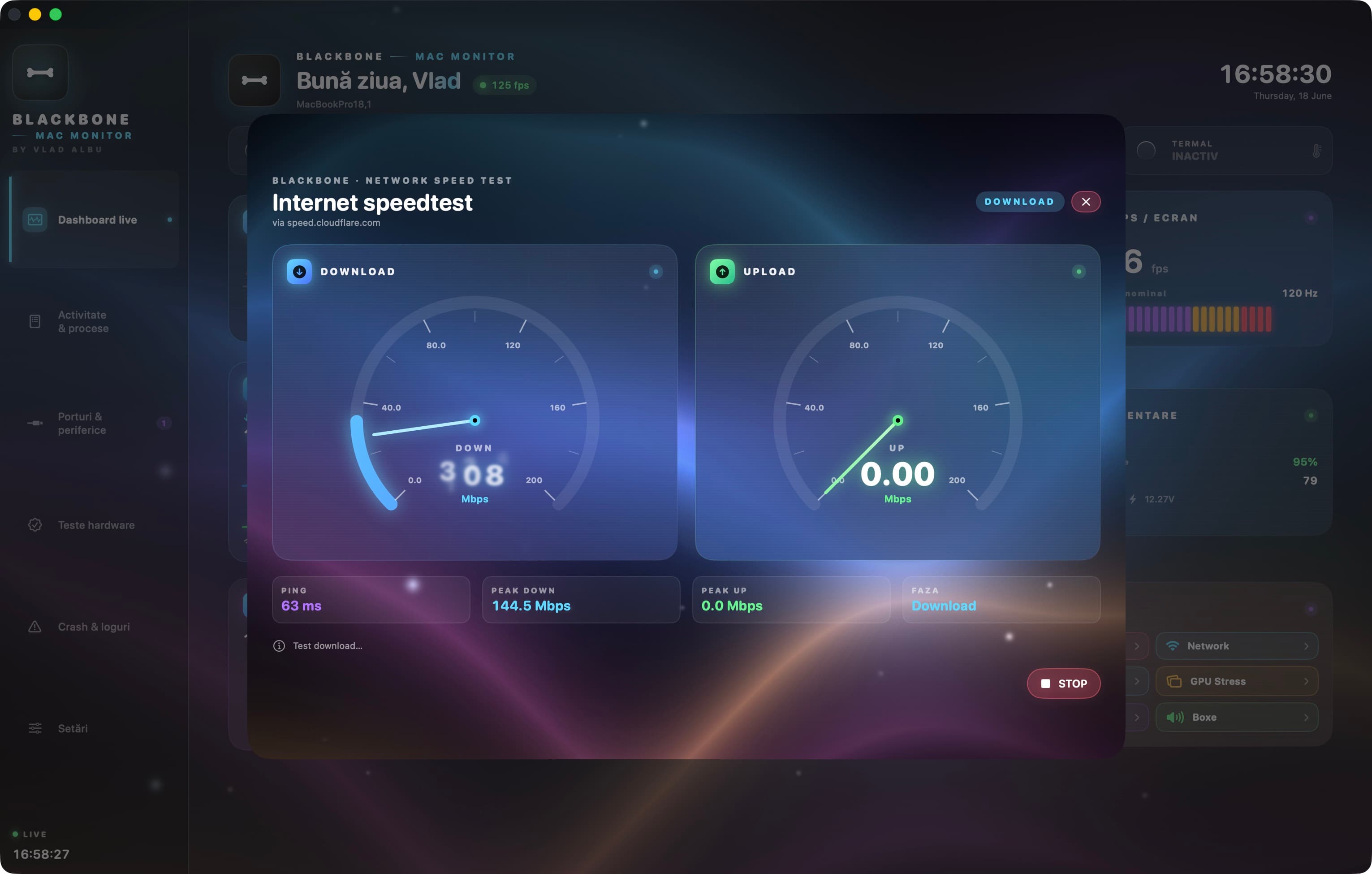
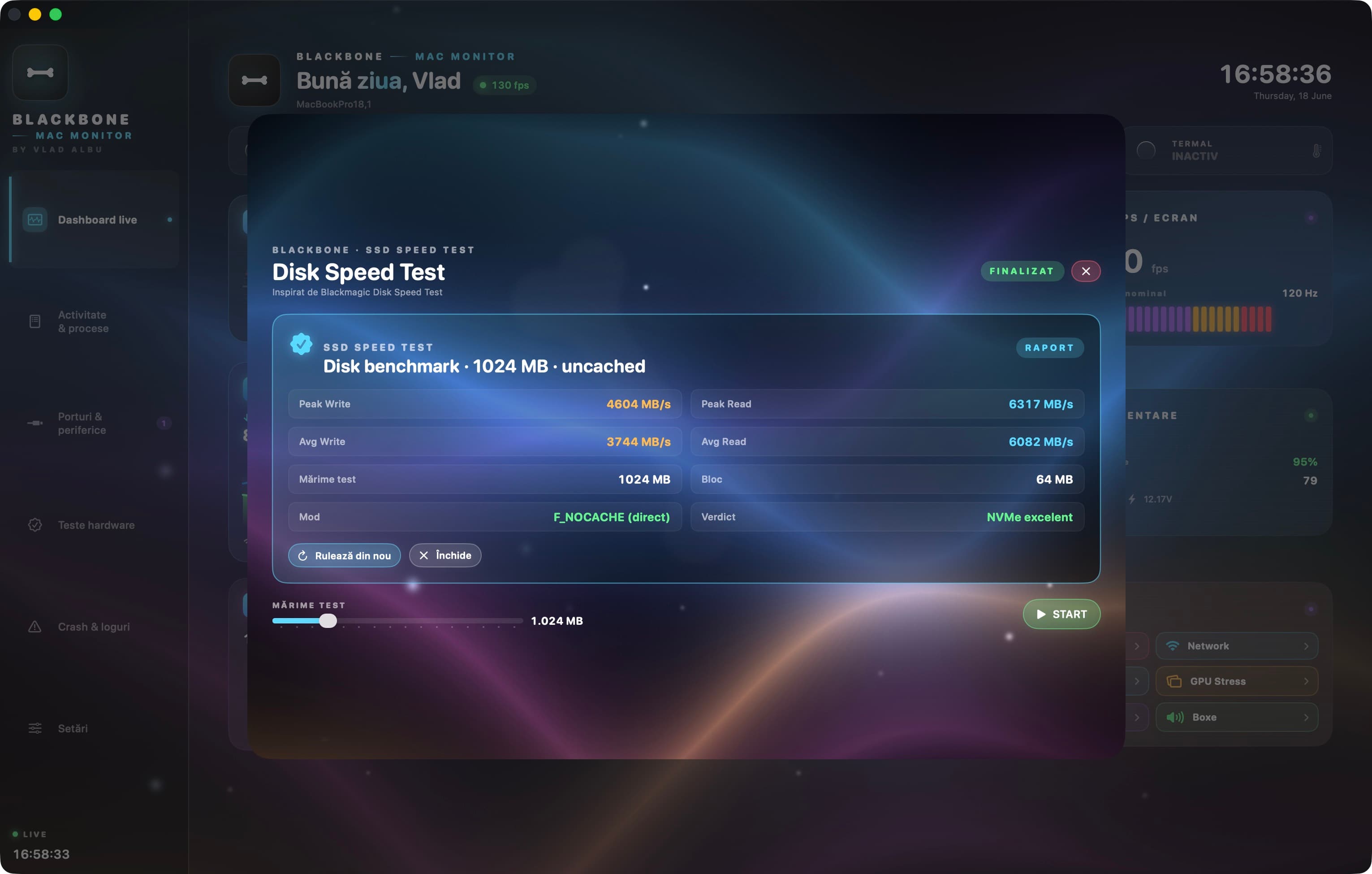
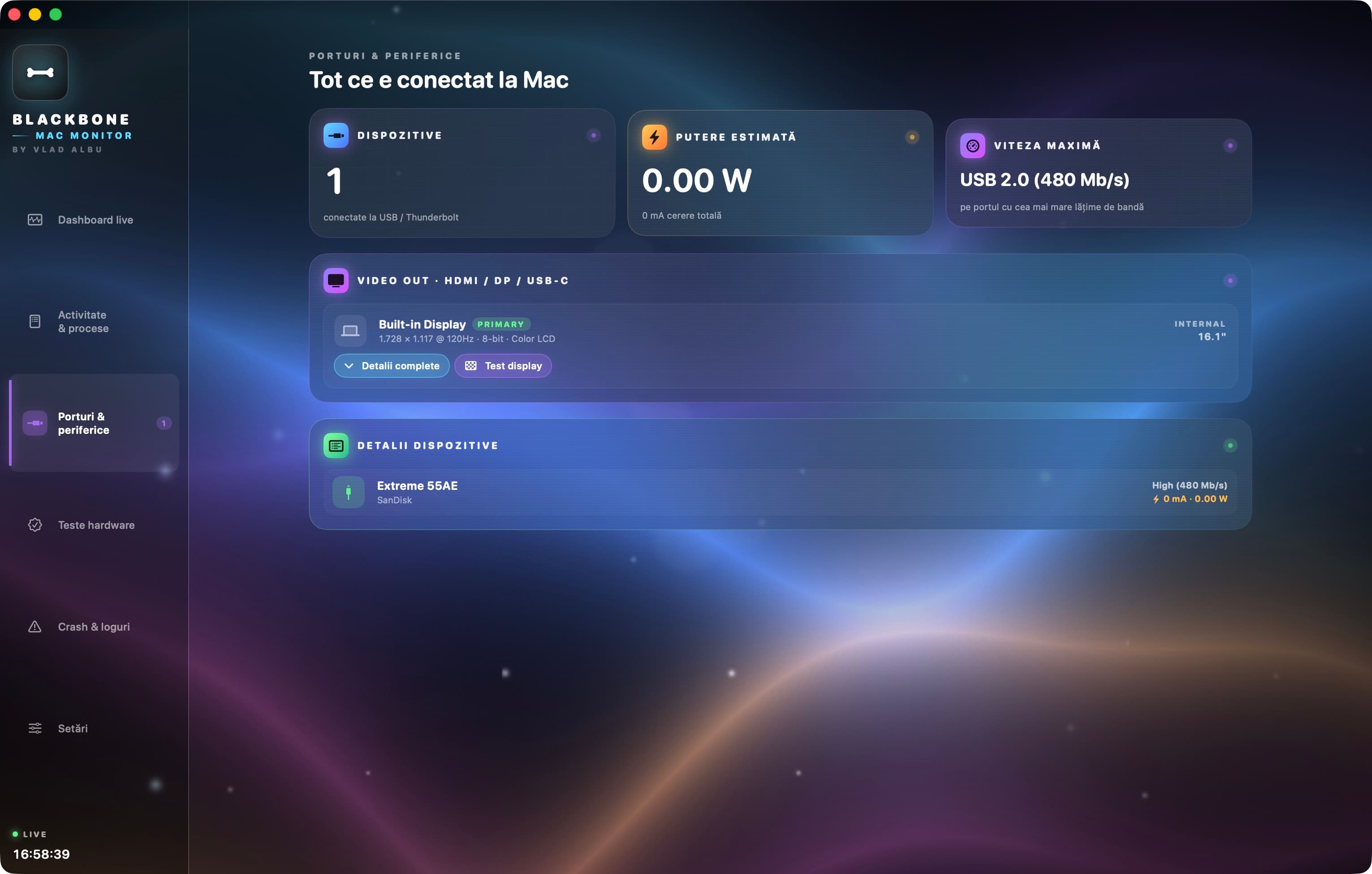
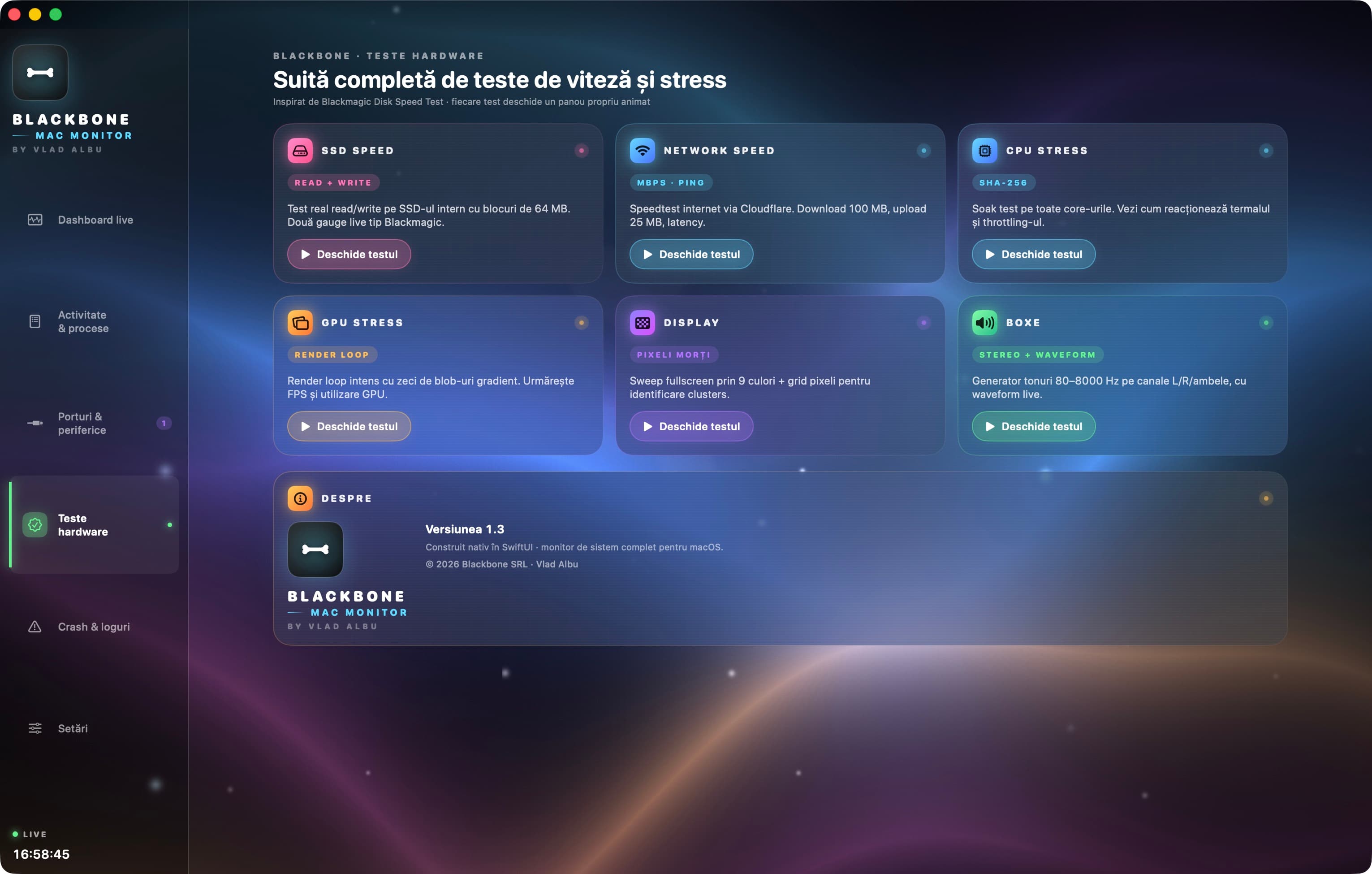
12 configurable pills with real glass edges (NSVisualEffectView blur) over your wallpaper. Height slider, Top/Bottom position picker, drag-to-show. See everything in 0.5 seconds.
| Feature | BlackBone | iStat Menus | Stats (free) |
|---|---|---|---|
| Live CPU / RAM / GPU monitor | |||
| Camera + microphone privacy indicator | |||
| Liquid glass Bar Mode at the top of the screen | |||
| Hardware tests (SSD/network/display/speakers) | |||
| Persistent battery history + graph | |||
| Full PDF report export | |||
| Top processes with kill button | |||
| Threshold notifications with cooldown | |||
| 5 color themes + drag-customizable | |||
| Zero telemetry / zero cloud | |||
| Open source inspection | |||
| Sparkle auto-update |
Version 2.2.0 is free while we build the license keys system.
Download DMG · Apple SiliconDownload DMG · IntelPermanent license key for one Mac. 1 year of Sparkle updates then $4.99/year optional.
The App Store requires App Sandbox, which blocks IOKit (needed for SSD speed, GPU utilization, USB power, battery details). We'd lose about 40% of features going to the Mac App Store. Direct distribution via signed and notarized DMG — exactly like iStat Menus, Sensei, TG Pro — is the premium path.
Check in Terminal: spctl -a -t open --context context:primary-signature -vv /Applications/BlackBone\ mac\ Monitor\ Widget.app — should return accepted · source=Notarized Developer ID · origin=Developer ID Application: albu vlad (35PCQ43D37). Means Apple inspected and approved the binary.
Yes. Universal binary arm64 + x86_64, Intel supported starting with macOS 14 Sonoma. The app uses Metal Shaders for the background — on Intel with integrated GPU it'll use slightly more CPU but stays perfectly smooth.
Camera and microphone — only to detect on/off state (we don't capture images or audio). Location — required for Wi-Fi SSID (macOS requirement). Calendar — for the next event in Bar Mode. Notifications — for alerts. All are opt-in and can be denied individually.
Current version 2.2.0 is free to use while we build the license keys system. At official launch we'll have a full 7-day trial, then $14.99 one-time for unlimited use + 1 year of updates.
Automatic. The app checks the Sparkle feed daily. When a new version exists, you get a standard macOS dialog with changelog and an Install Update button. App restart takes under a second.